
Make it shareable.
Right in your browser.
Free tools for your next screenshot or image. No account, no uploads, no watermark.
Screenshot compressor
Set a file size limit, compare the compressed image, and save a JPEG or WebP with its actual size shown.
Compress a screenshot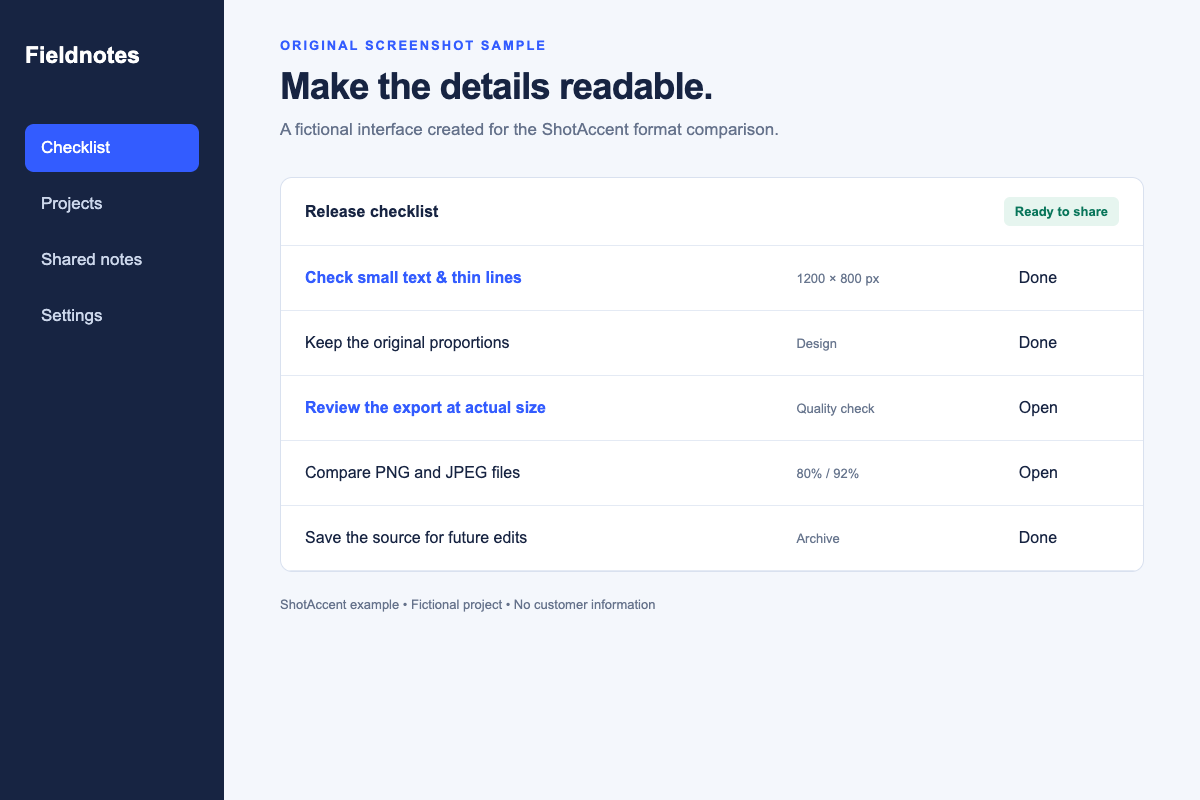
Screenshot cropper
Draw around the part you want to keep, fine-tune the edges in pixels, and save the selection as a PNG.
Crop a screenshot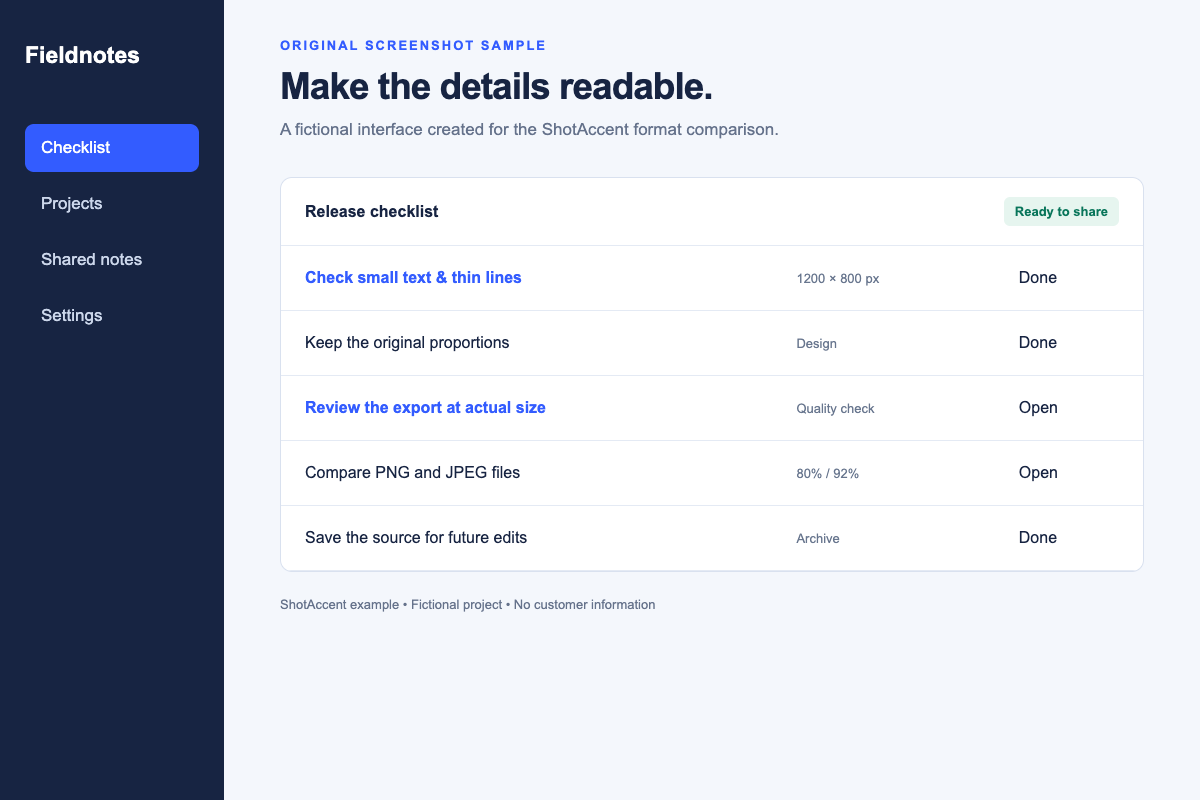
Browser frame mockup
Give a screenshot a window title and room around the edges. Download the framed image as a PNG.
Frame a screenshotCombine images
Place two screenshots side by side or stack them vertically. Set the spacing and download one PNG.
Combine two imagesScreenshot backgrounds
Add a gradient, breathing room, rounded corners, and a soft shadow. Download a PNG.
Style an imageResize & convert
Choose the right dimensions and format for your image. Keep its proportions or set a custom size.
Resize an imageRounded corners
Soften the edges of any screenshot or image. Adjust the radius and download a PNG with transparent corners.
Round an imageMore room to create.
The desktop studio adds editable projects, undo, crop, frames, and native workflows. Preview before buying; a license unlocks desktop exports.
Explore the desktop app